Overview
NATS is available as an easyconfig template in the Cache & Queues category. It provides a clean Docker-based deployment profile with persistent storage guidance, environment variables, default port mapping, domain routing support, SSL-ready configuration, and operational metadata for the easyconfig Server Control Panel.
How deployment works in easyconfig
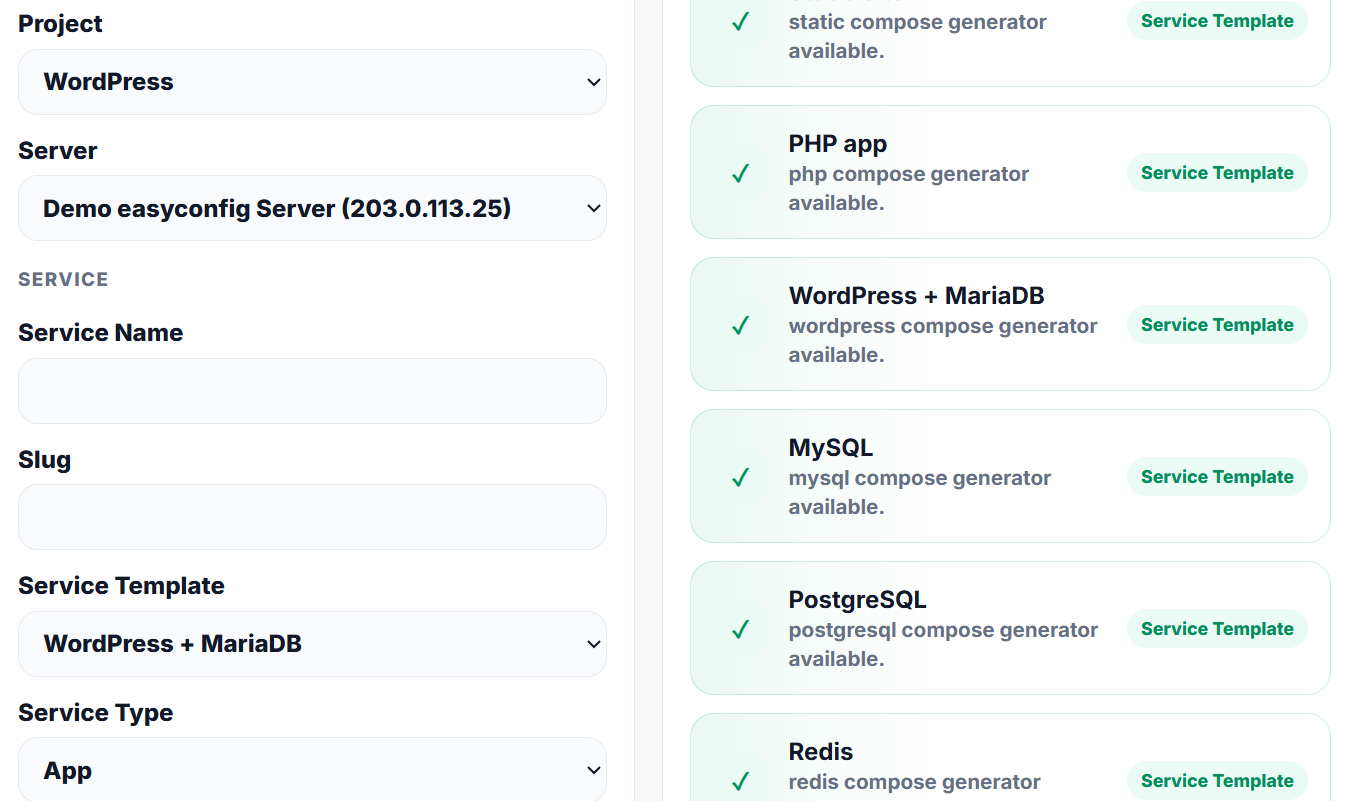
This template gives easyconfig the deployment metadata needed to create a service, prepare runtime variables, map persistent storage, expose the internal port, and connect a public domain with SSL when required.
- Create or select a project where the service belongs.
- Review the Docker image, tag, default port, environment variables, and volume mappings.
- Deploy the service and check logs until the application is healthy.
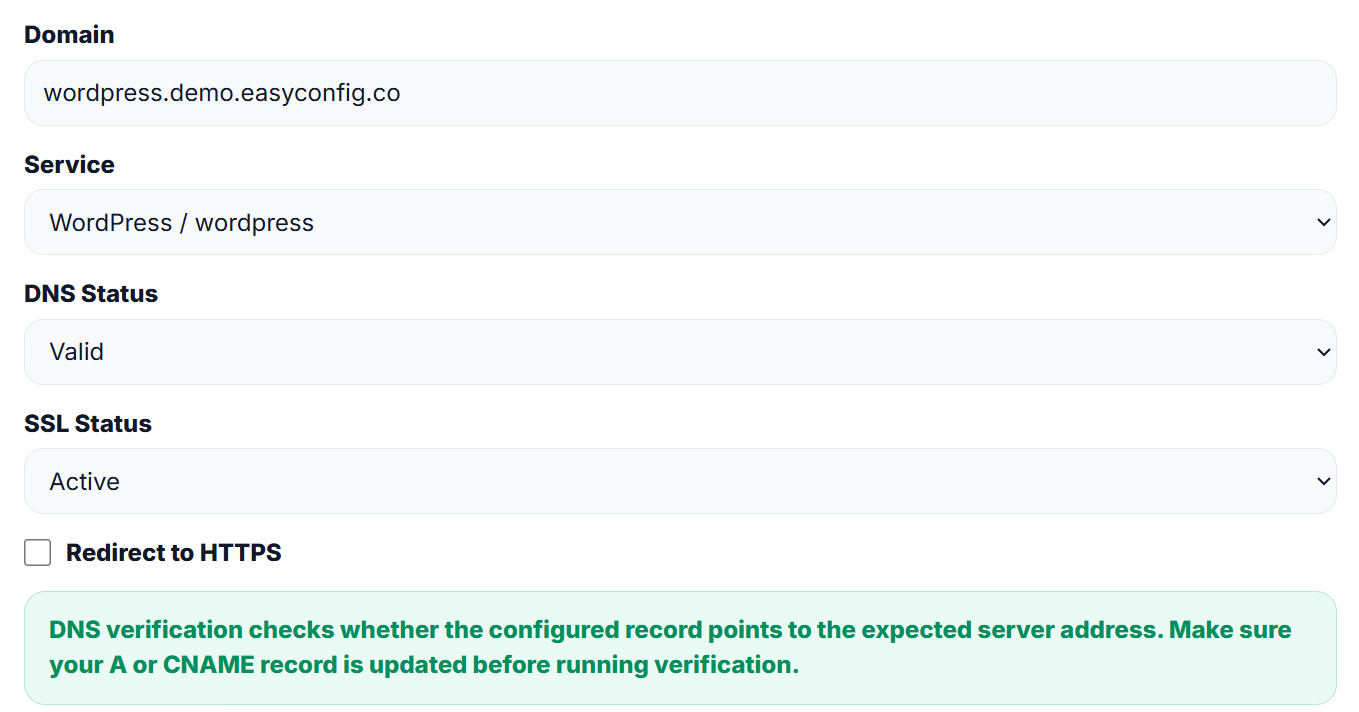
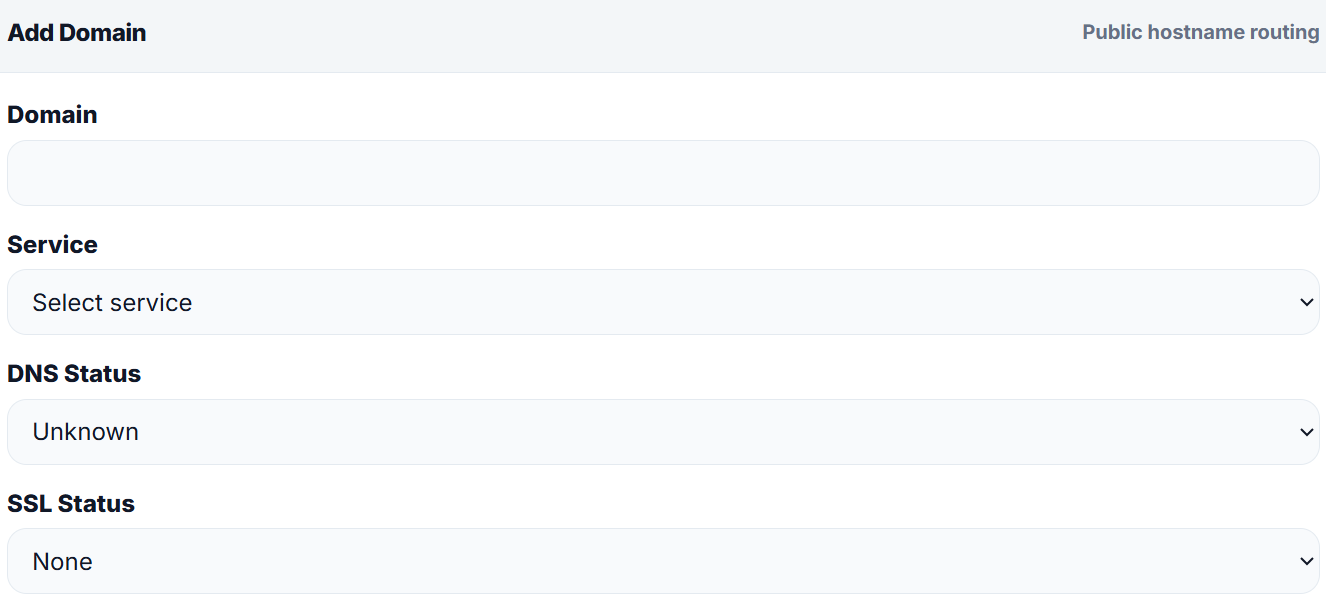
- Attach a domain or subdomain when the application must be available publicly.
- Enable HTTPS and verify the final browser response.
Configuration
Environment variables
| Variable | Default / guidance |
|---|---|
APP_ENV |
production |
APP_PORT |
4222 |
Persistent volumes
| Volume | Mount path |
|---|---|
| nats_data | /data |
Commands
easyconfig handles deployment from the panel, but understanding the equivalent Docker commands helps users debug services with more confidence.
docker pull nats:latest
docker ps --filter "name=nats"

docker logs --tail=100 nats
DNS and SSL checklist
| Step | Expected result |
|---|---|
| Add A or CNAME record | The domain points to the easyconfig server or configured target. |
| Attach domain to service | The service is reachable through the selected hostname. |
| Enable HTTPS | The certificate becomes active and redirect to HTTPS can be enabled. |
Screenshots
Upload clean panel screenshots to the paths below when you want this section to show real easyconfig visuals.
Troubleshoot
- Confirm the Docker image and tag exist.
- Confirm the selected internal port matches the application port.
- Confirm required variables such as database URL, app URL, and credentials are set.
- Check service logs after the first deployment.
- Verify DNS before requesting or renewing SSL certificates.