Updating easyconfig
Keeping easyconfig updated helps you receive bug fixes, security improvements, and new features. Before updating, always create a backup or snapshot if your server contains important services.
Before updating
- Check if your services are running normally.
- Create a backup or snapshot where possible.
- Review recent action logs.
- Make sure you have SSH access to the server.
Update process
The exact update process may depend on how easyconfig is installed. In most Docker-based setups, updating usually involves pulling the latest image and restarting the panel stack.
docker compose pull
docker compose up -d
If easyconfig provides an update button inside the panel, use it only after confirming that your backups are ready.
After updating
- Login to the panel.
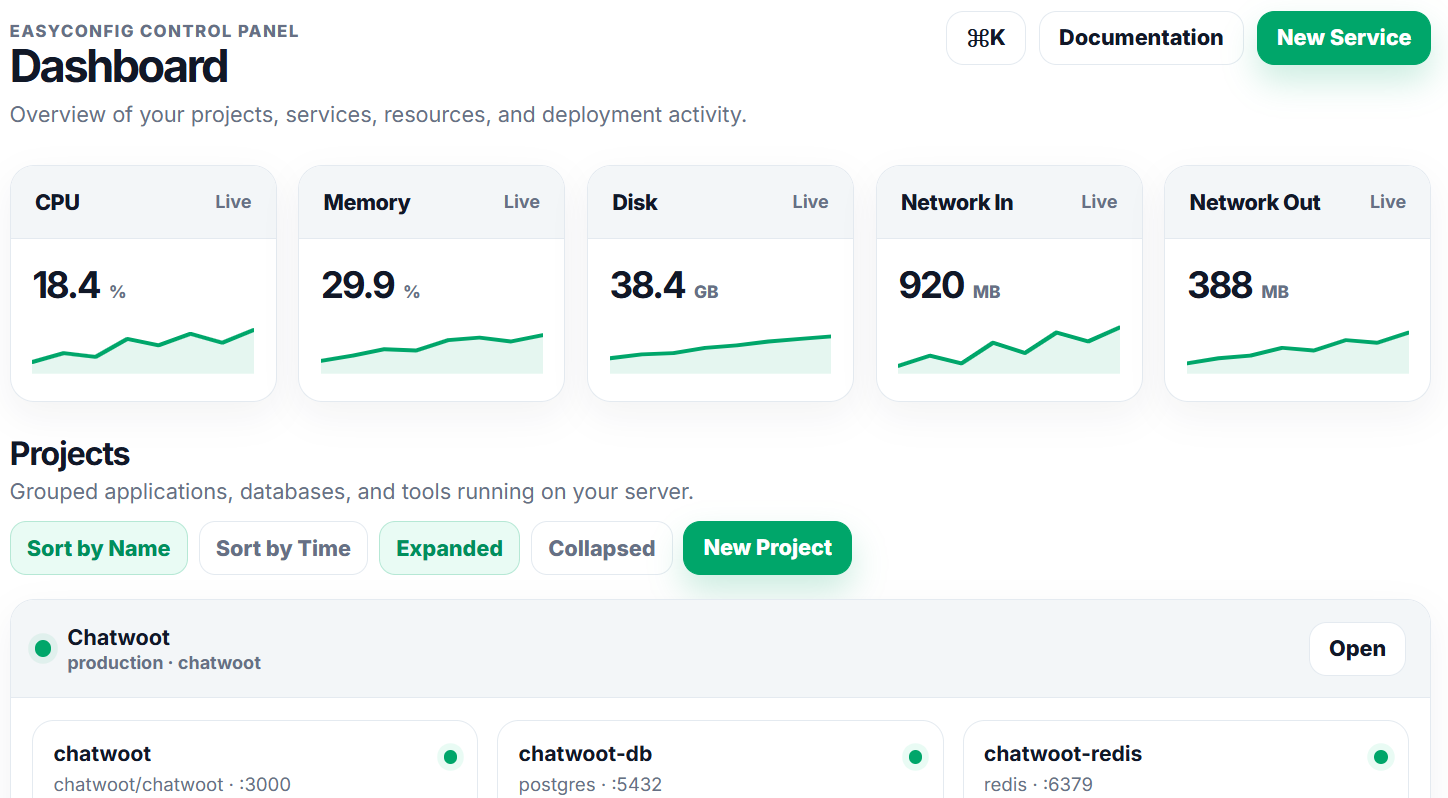
- Check dashboard status.
- Confirm that projects and services are visible.
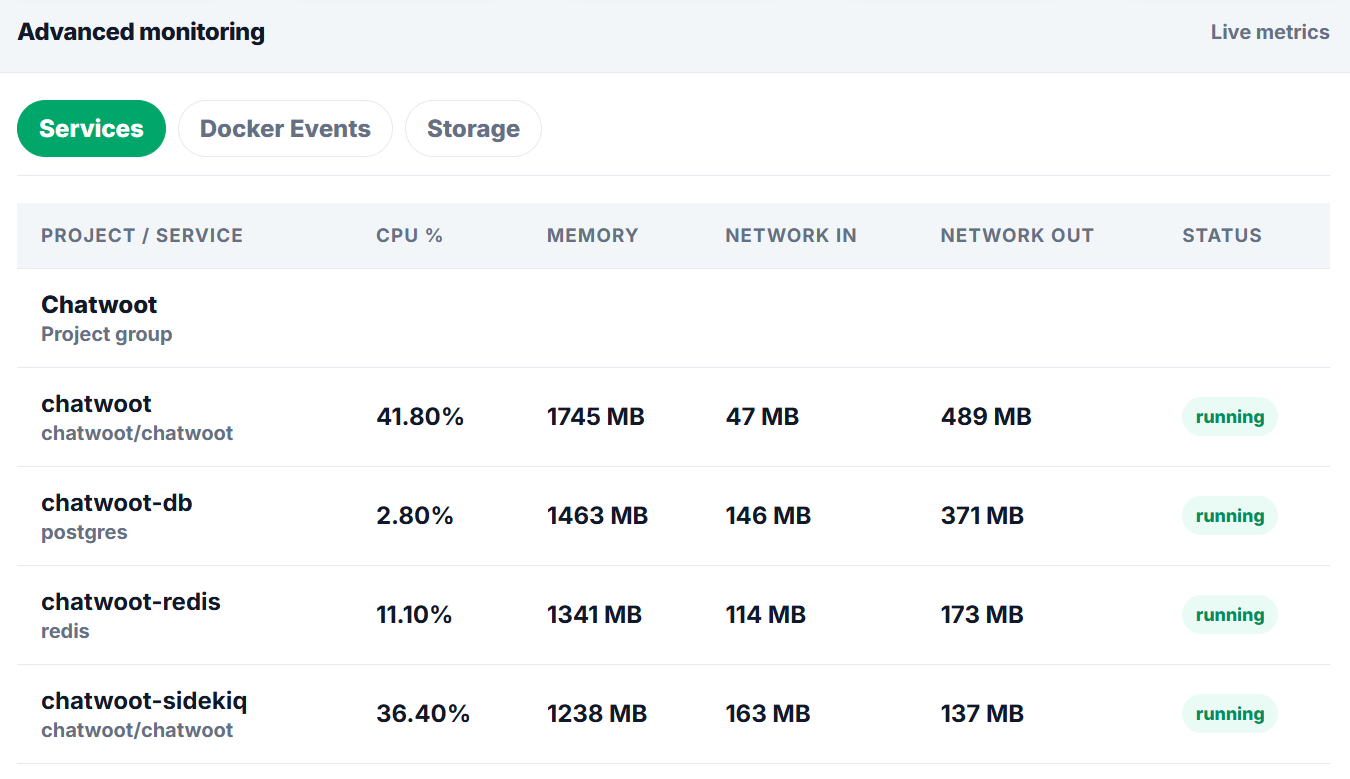
- Review logs for warnings.
Commands
The panel handles most actions visually, but these commands help beginners understand what a server operator usually checks while working with Docker-based deployments.
docker --version
docker compose version
docker ps
docker logs --tail=100 container_name
df -h
free -m
Summary
| Area | What to check | Expected result |
|---|---|---|
| Server | CPU, RAM, disk, firewall, Docker | The server has enough resources and Docker is available. |
| Application | Image, tag, port, variables, storage | The service can start and keep data after restart. |
| Network | DNS, proxy route, SSL, browser response | The app is reachable from the correct domain. |
| Security | Roles, secrets, audit logs, backups | The setup is safe enough for continued operation. |
Screenshots
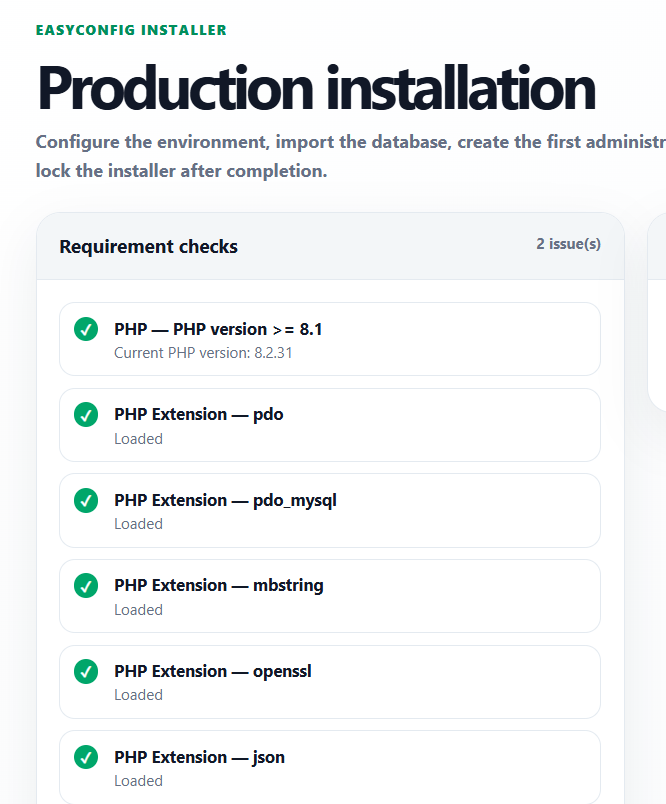
Upload screenshots to the paths below when you want the documentation to show real easyconfig interface examples.
Next
- Apply the guide in a test project first.
- Check logs after every deployment or configuration change.
- Document custom values for future handoff.
- Review related documentation when domains, SSL, databases, or billing are involved.