Troubleshooting Common Issues
This guide helps you diagnose common issues that may happen while installing or using easyconfig.
Issue: The panel does not open
- Check if your server is online.
- Confirm that the correct IP or domain is being used.
- Check firewall rules for required ports.
- Confirm Docker containers are running.
docker psIssue: Docker is not available
If Docker commands fail, Docker may not be installed or the service may not be running.
systemctl status dockerIf Docker is stopped, try:
systemctl start dockerIssue: Domain does not work
- Confirm the DNS A record points to your server IP.
- Wait for DNS propagation.
- Check that the domain is attached to the correct service.
- Check the internal service port.
Issue: SSL does not issue
- Confirm DNS is correct.
- Make sure ports 80 and 443 are reachable.
- Check reverse proxy logs.
- Try again after DNS propagation is complete.
Issue: Service fails after deployment
Open service logs and look for the first error. Common causes include missing environment variables, wrong database credentials, incorrect internal port, or insufficient server resources.
Commands
The panel handles most actions visually, but these commands help beginners understand what a server operator usually checks while working with Docker-based deployments.
docker --version
docker compose version
docker ps
docker logs --tail=100 container_name
df -h
free -m
Summary
| Area | What to check | Expected result |
|---|---|---|
| Server | CPU, RAM, disk, firewall, Docker | The server has enough resources and Docker is available. |
| Application | Image, tag, port, variables, storage | The service can start and keep data after restart. |
| Network | DNS, proxy route, SSL, browser response | The app is reachable from the correct domain. |
| Security | Roles, secrets, audit logs, backups | The setup is safe enough for continued operation. |
Screenshots
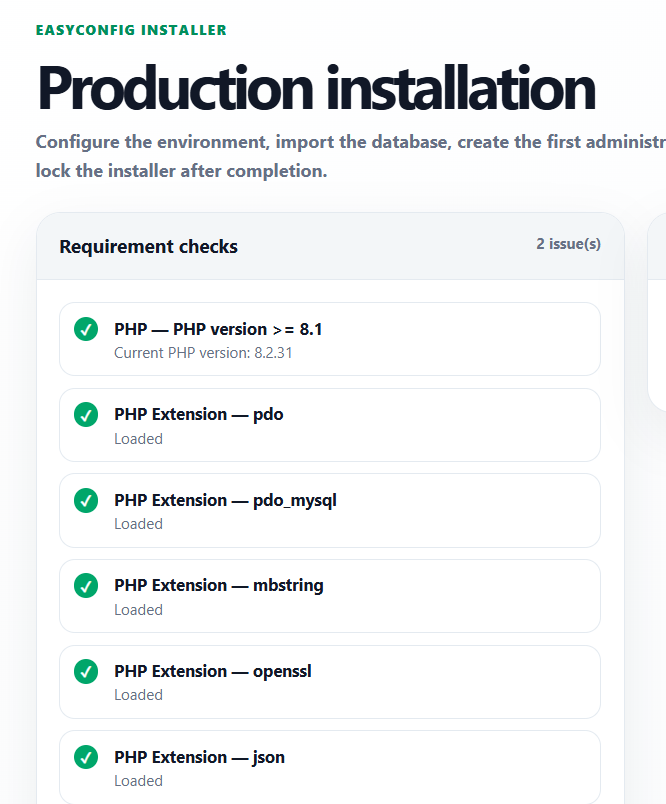
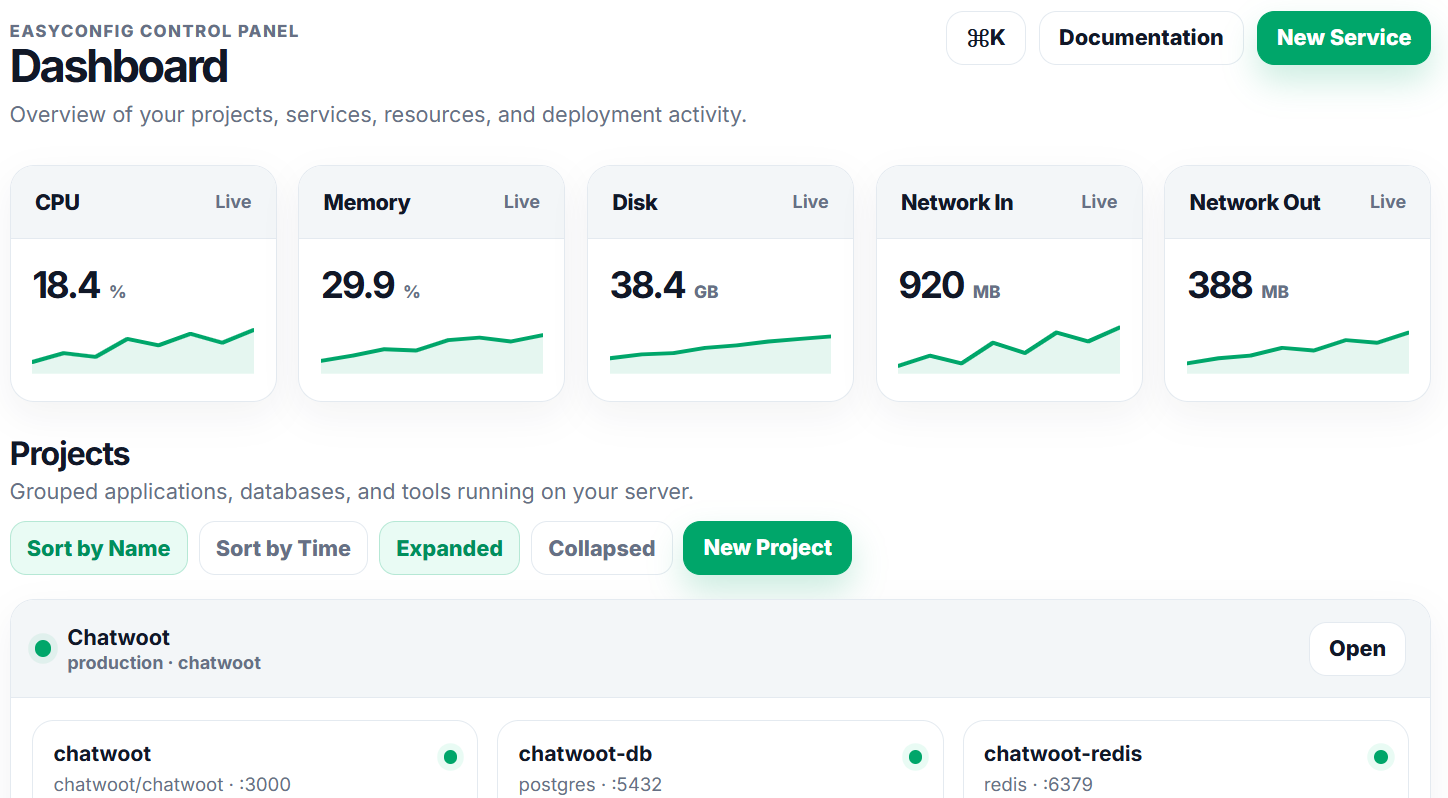
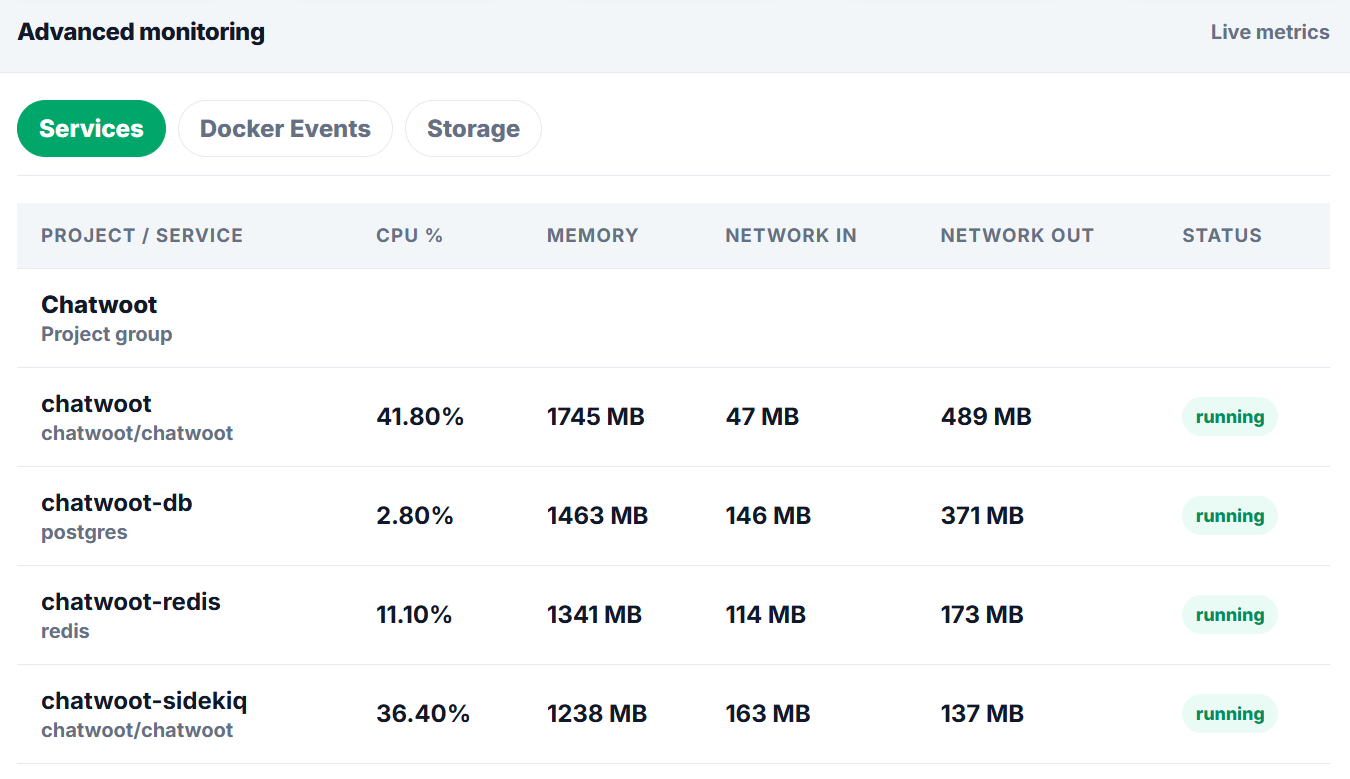
Upload screenshots to the paths below when you want the documentation to show real easyconfig interface examples.
Next
- Apply the guide in a test project first.
- Check logs after every deployment or configuration change.
- Document custom values for future handoff.
- Review related documentation when domains, SSL, databases, or billing are involved.