Overview
Manage Pricing Plans explains how to use easyconfig in a clean production workflow. This guide is written for new users, developers, agencies, and server administrators who want a clear path from setup to reliable operation.
When to use this guide
Use this guide when you are configuring the related feature for the first time, reviewing a production setup, training a team member, or preparing the project for customer use.
Step-by-step workflow
- Open the related easyconfig section and review the current project, service, or setting before making changes.
- Confirm the required server resources, domain records, ports, credentials, and storage paths.
- Apply the configuration through the panel using clear names, safe slugs, and production-ready values.
- Save the change, review the activity log, and confirm the expected status in the dashboard.
- Test the result in the browser, terminal, or connected application before handing it to users.
Best practices
- Use readable project and service names so other team members can understand the setup quickly.
- Keep environment variables organized and avoid exposing secrets in public pages or documentation.
- Use persistent volumes for data that must survive container restarts.
- Review logs after every deployment, restart, billing update, or infrastructure change.
- Document any custom decision in the project notes or operational handoff file.
Common mistakes to avoid
- Use production credentials only in private settings or encrypted environment variables.
- Avoid changing multiple layers at the same time when diagnosing an issue.
- Keep a backup before changing services, databases, volumes, or billing configuration.
Quick checklist
- Names and slugs are clear.
- Required variables are filled.
- Ports and domains are correct.
- Persistent storage is configured.
- Logs and status are reviewed after saving.
Next step
After completing this guide, continue with the next related documentation article or test the workflow on a clean service before using it for a production customer.
Commands
The panel handles most actions visually, but these commands help beginners understand what a server operator usually checks while working with Docker-based deployments.
docker --version
docker compose version
docker ps
docker logs --tail=100 container_name
df -h
free -m
Summary
| Area | What to check | Expected result |
|---|---|---|
| Server | CPU, RAM, disk, firewall, Docker | The server has enough resources and Docker is available. |
| Application | Image, tag, port, variables, storage | The service can start and keep data after restart. |
| Network | DNS, proxy route, SSL, browser response | The app is reachable from the correct domain. |
| Security | Roles, secrets, audit logs, backups | The setup is safe enough for continued operation. |
Screenshots
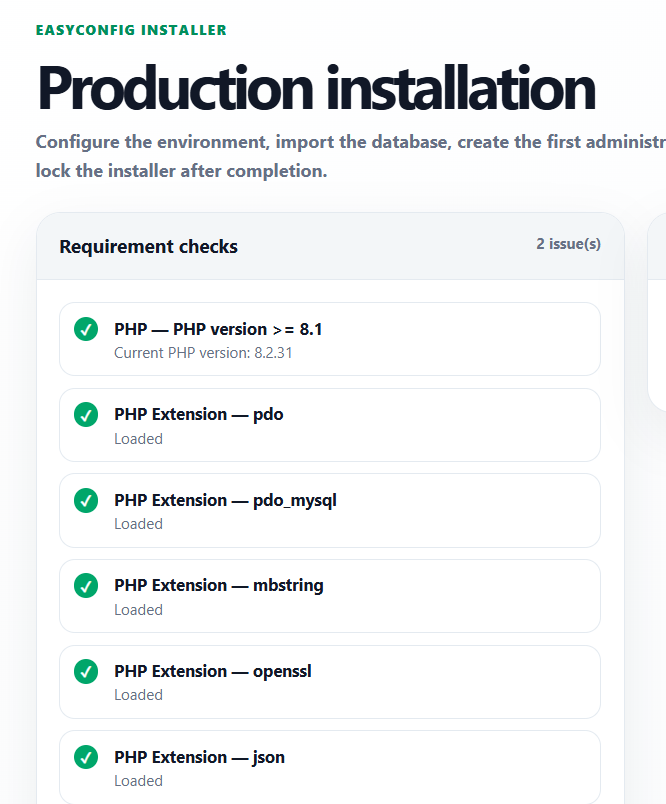
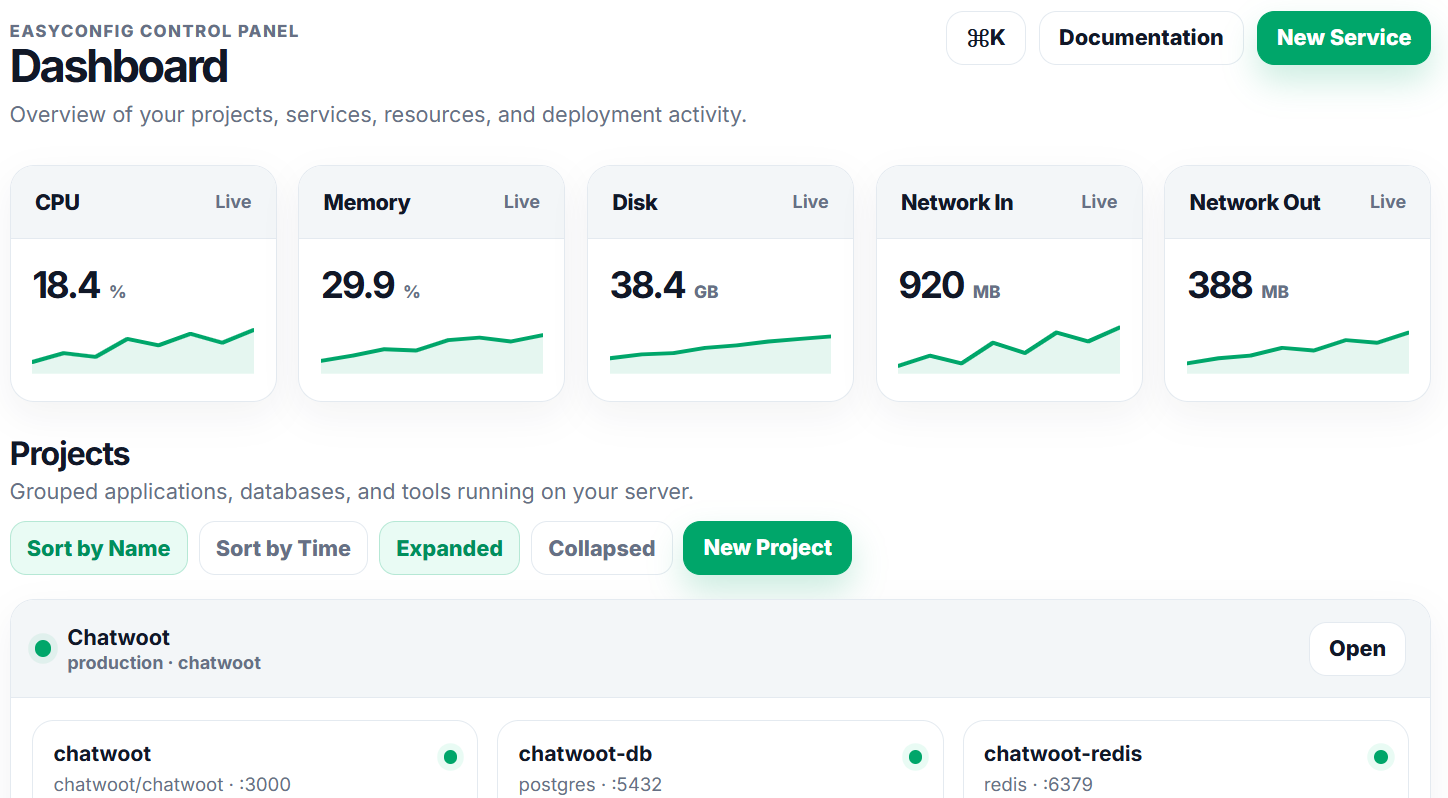
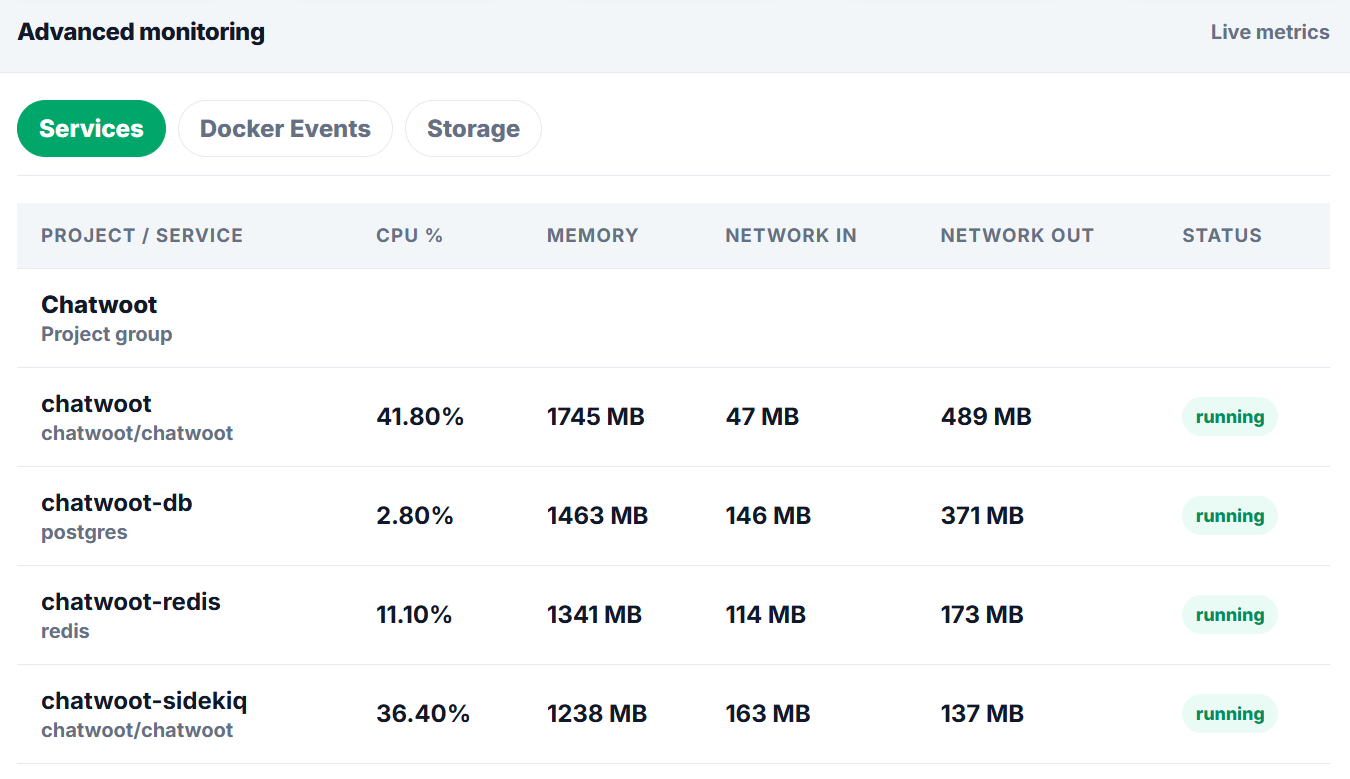
Upload screenshots to the paths below when you want the documentation to show real easyconfig interface examples.
Next
- Apply the guide in a test project first.
- Check logs after every deployment or configuration change.
- Document custom values for future handoff.
- Review related documentation when domains, SSL, databases, or billing are involved.